For workers
Start with your current assignment.
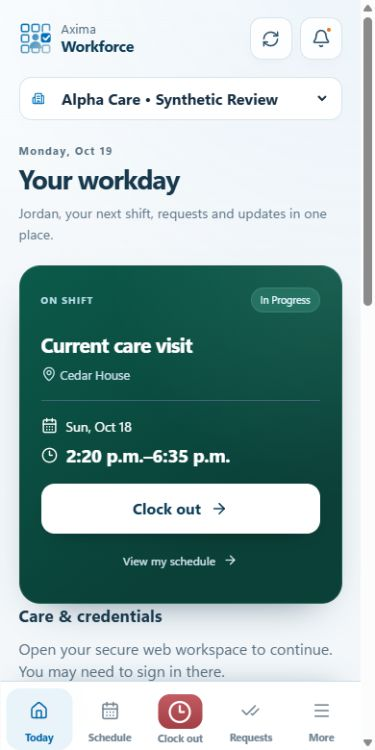
See the shift that needs your attention, review its details and take the available attendance action. Organization rules determine when you can clock in and whether location verification is required.

Axima Workforce for Android
Review shifts, manage requests and record attendance. Workers and schedulers see the tools their organization has made available to them.
See it in action
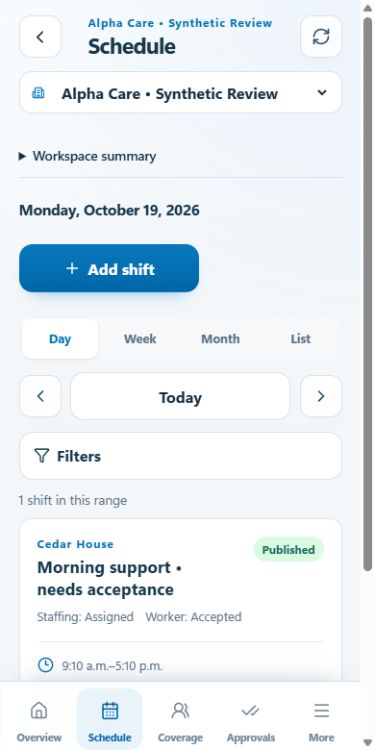
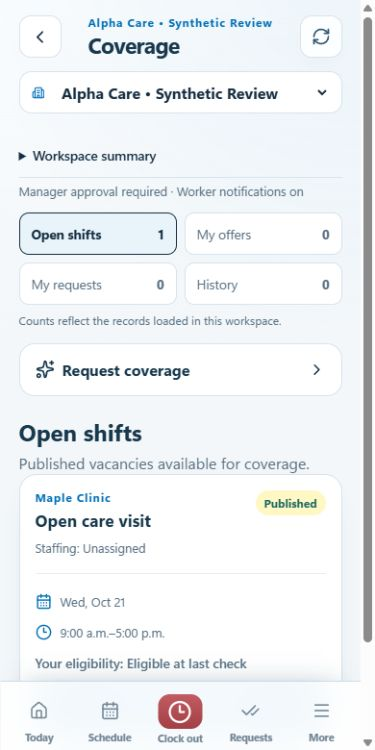
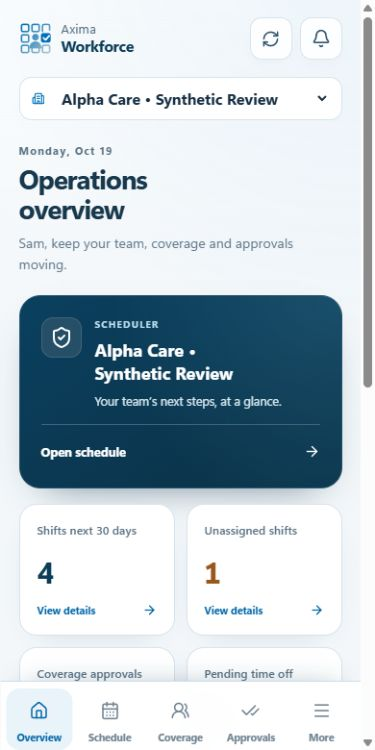
Actual app screens with fictional demonstration records. Available tools depend on your role and organization.
Features
For workers
See the shift that needs your attention, review its details and take the available attendance action. Organization rules determine when you can clock in and whether location verification is required.
For schedulers
Open scheduling, requests and attendance tools from your workspace. Organization permissions control which teams, locations and records you can manage.
For changing plans
Request cover for an assignment, review your requests and respond to offers. Notifications can take you to the relevant record after your access is checked.
How it works
Use your existing workforce account. Contact your organization administrator if you need access.
Check your current assignment or open the scheduling and operations tools available to your role.
Record attendance, manage a request or review its status. Resolve pending attendance events before clearing app data.
Privacy & access
The Android app uses an existing account. Organization permissions control access to workforce records. Location is requested during attendance actions when required, with no continuous or background tracking.
Read the privacy policyAvailability
The Android companion is a release candidate and is not yet listed on Google Play. Existing organizations can continue to use the Axima Workforce web workspace.
FAQ & support
Visit support for help, or see how to request account or data deletion.