Feature 1
Barcode and package reading
Use barcode lookup or package-photo transcription, then edit the visible ingredient list when needed.
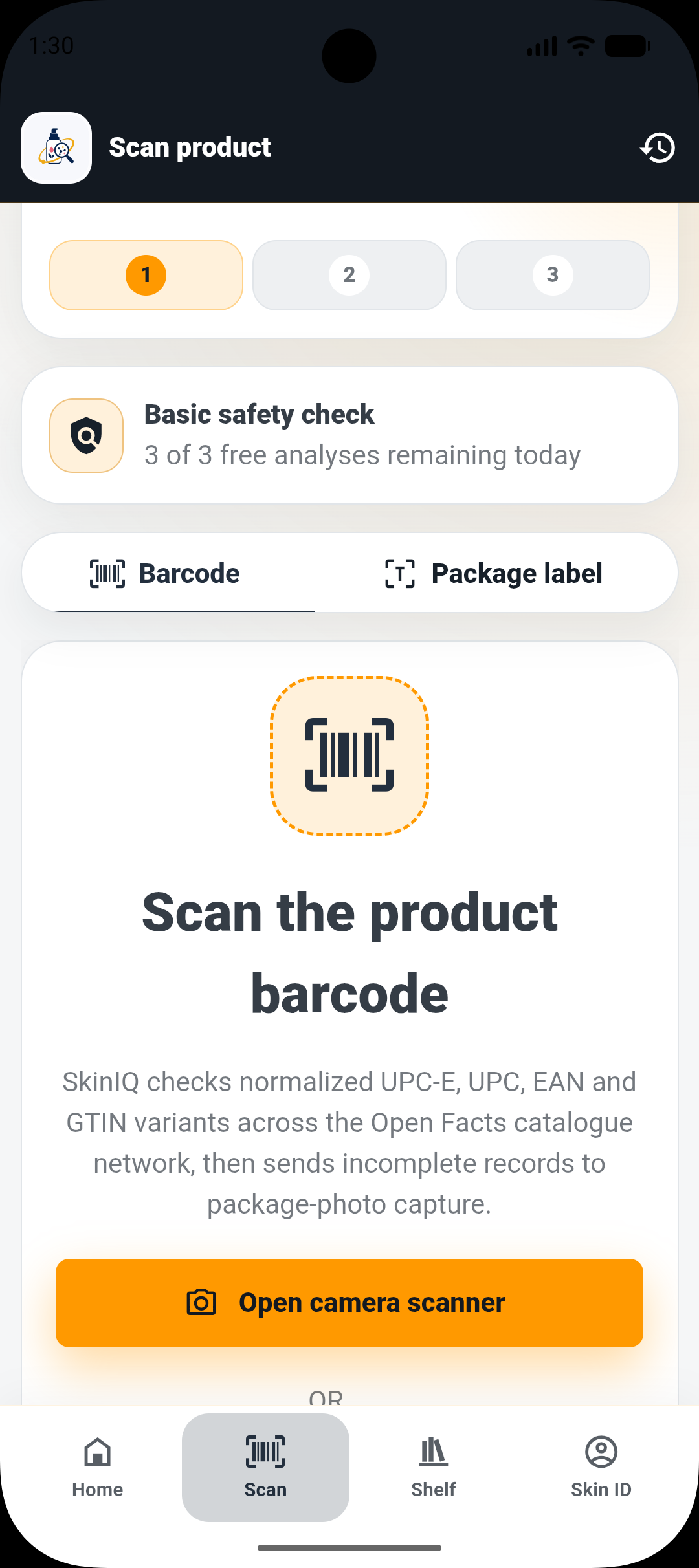

Skincare intelligence
Scan supported cosmetic barcodes or photograph a package, review the visible ingredient list, and compare it with a private Skin ID stored on your device.
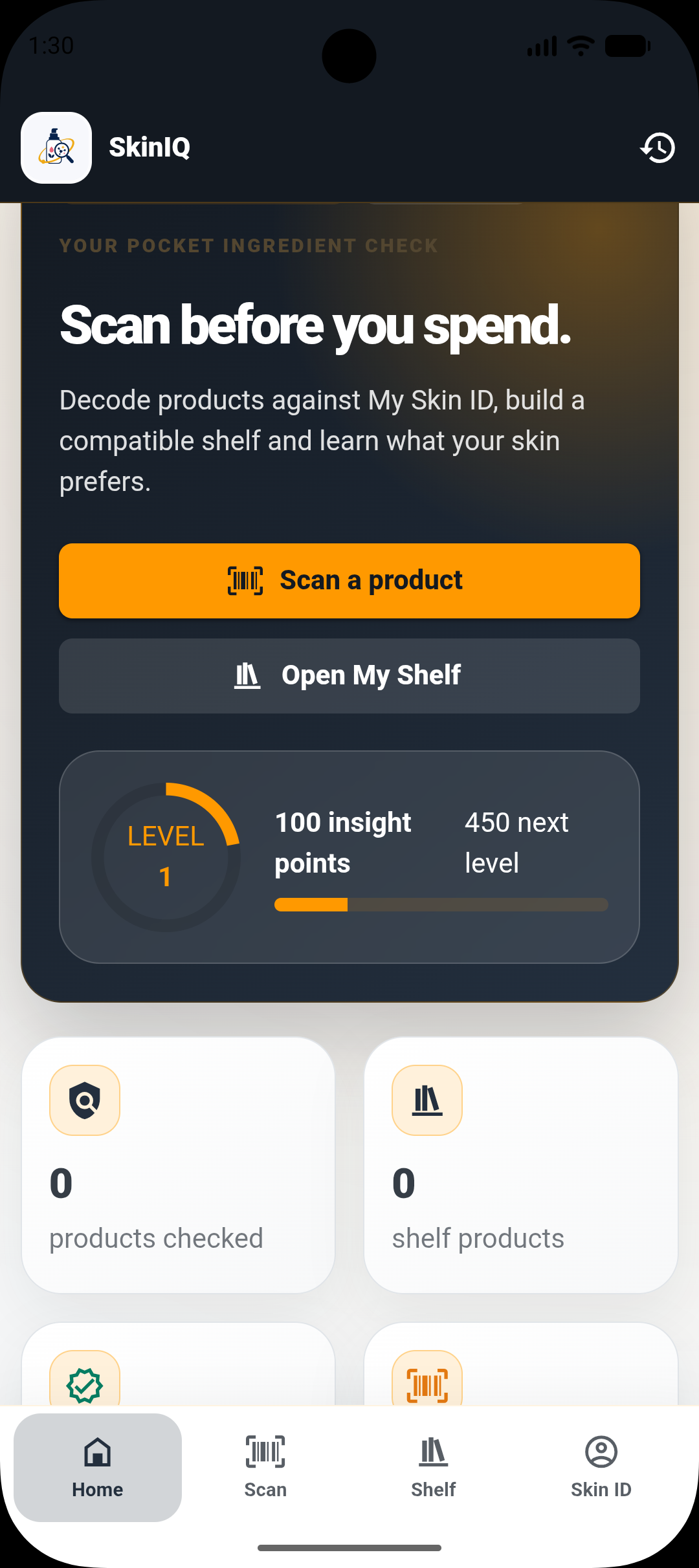
See it in action
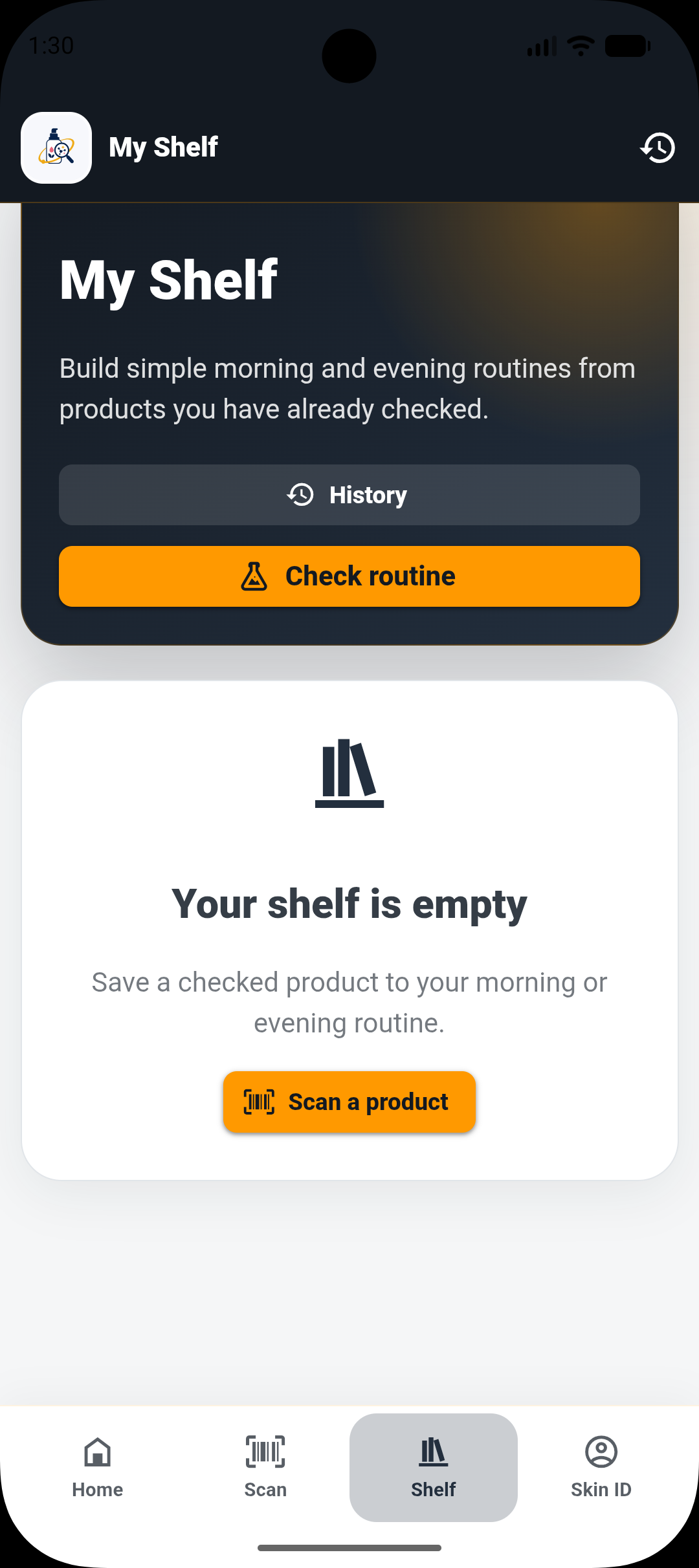
Explore Skin ID, product scanning and your routine shelf in the app.
Features
Feature 1
Use barcode lookup or package-photo transcription, then edit the visible ingredient list when needed.
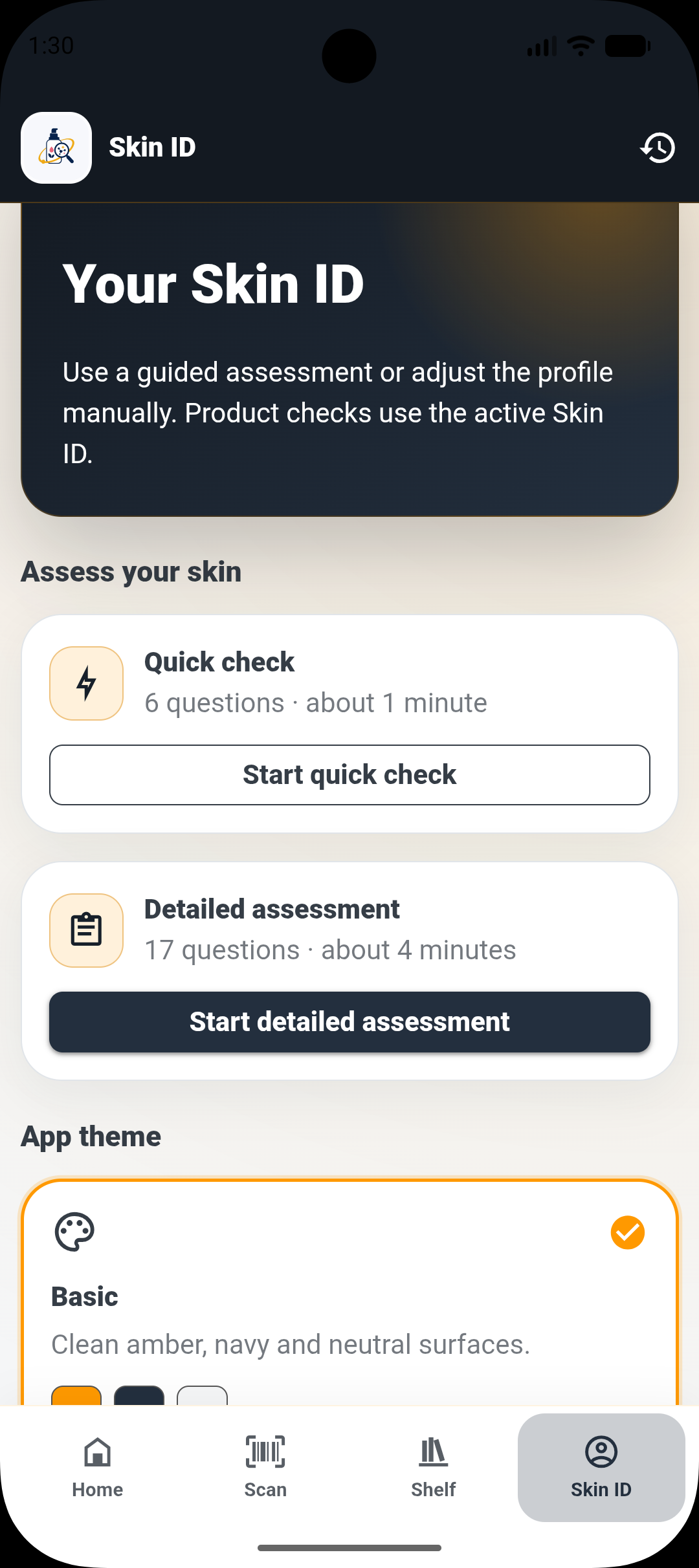
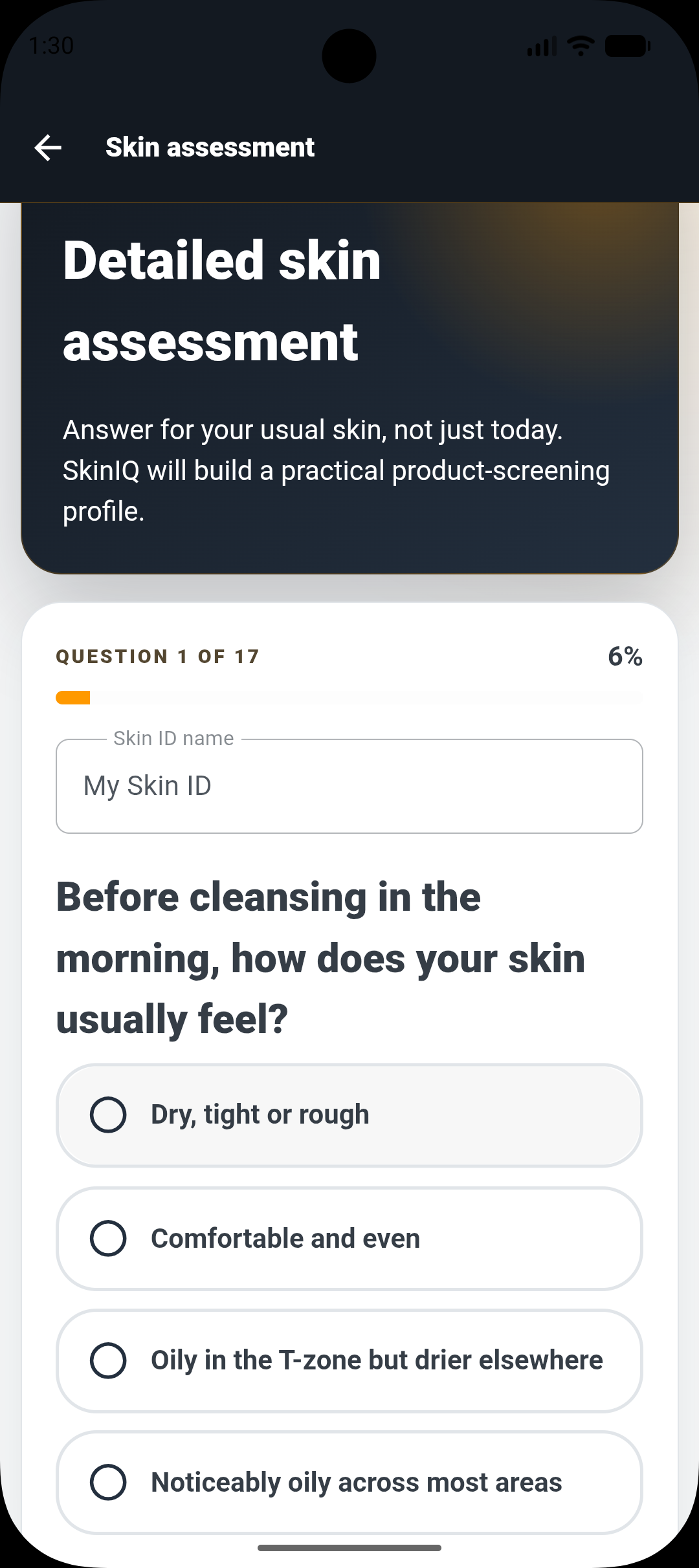
Feature 2
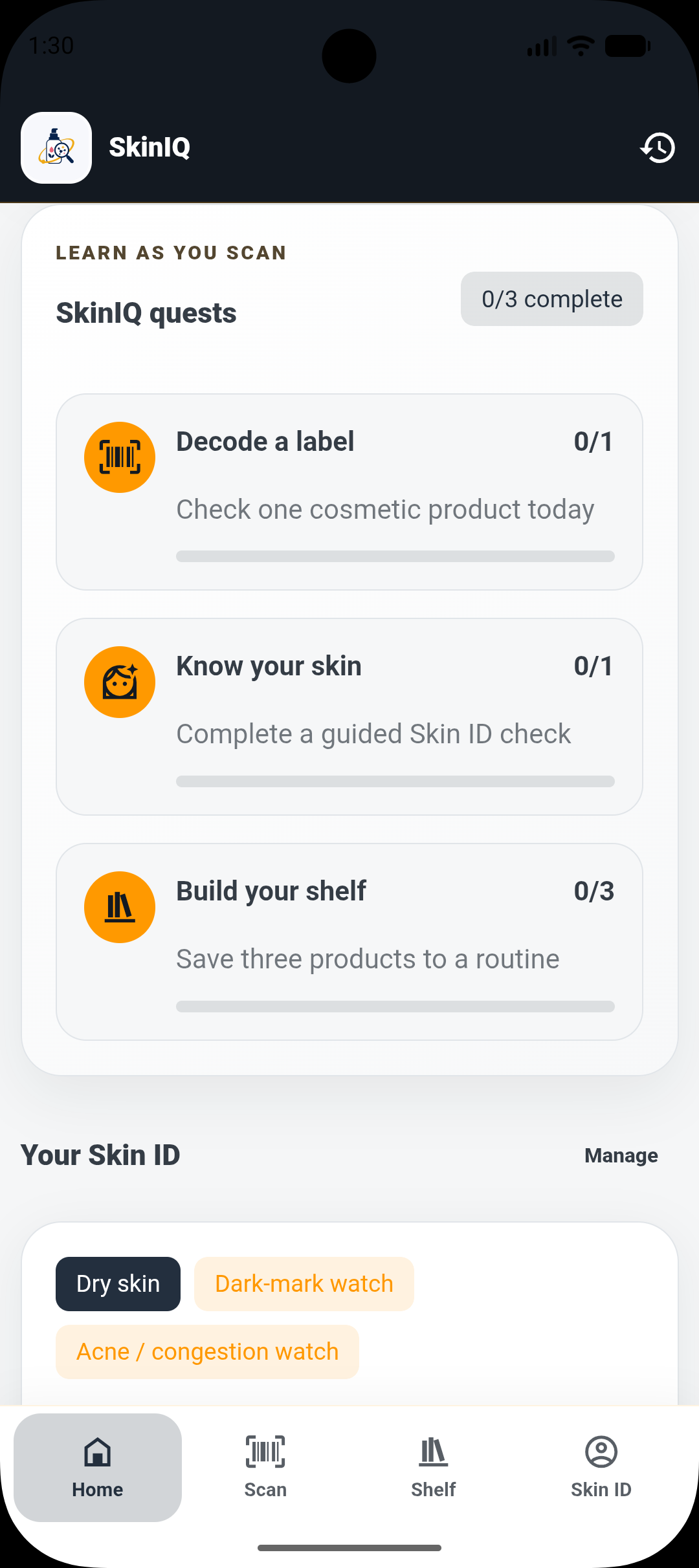
Use a quick check or detailed assessment to build a profile of your skin type and concerns, stored on your device.
Feature 3
Follow quests to check a product, complete your Skin ID and build your routine shelf.
How it works
Scan a product
Check the ingredient context.
Save it to your routine
Privacy & boundaries
Informational only—not allergy testing, diagnosis, treatment or medical advice.
Read the privacy policyAvailability
Graxana is building in focused stages and sharing progress with interested users.
FAQ & support
Visit support for common answers or contact the Graxana team.
Get support